
Nothing gets
covered up.
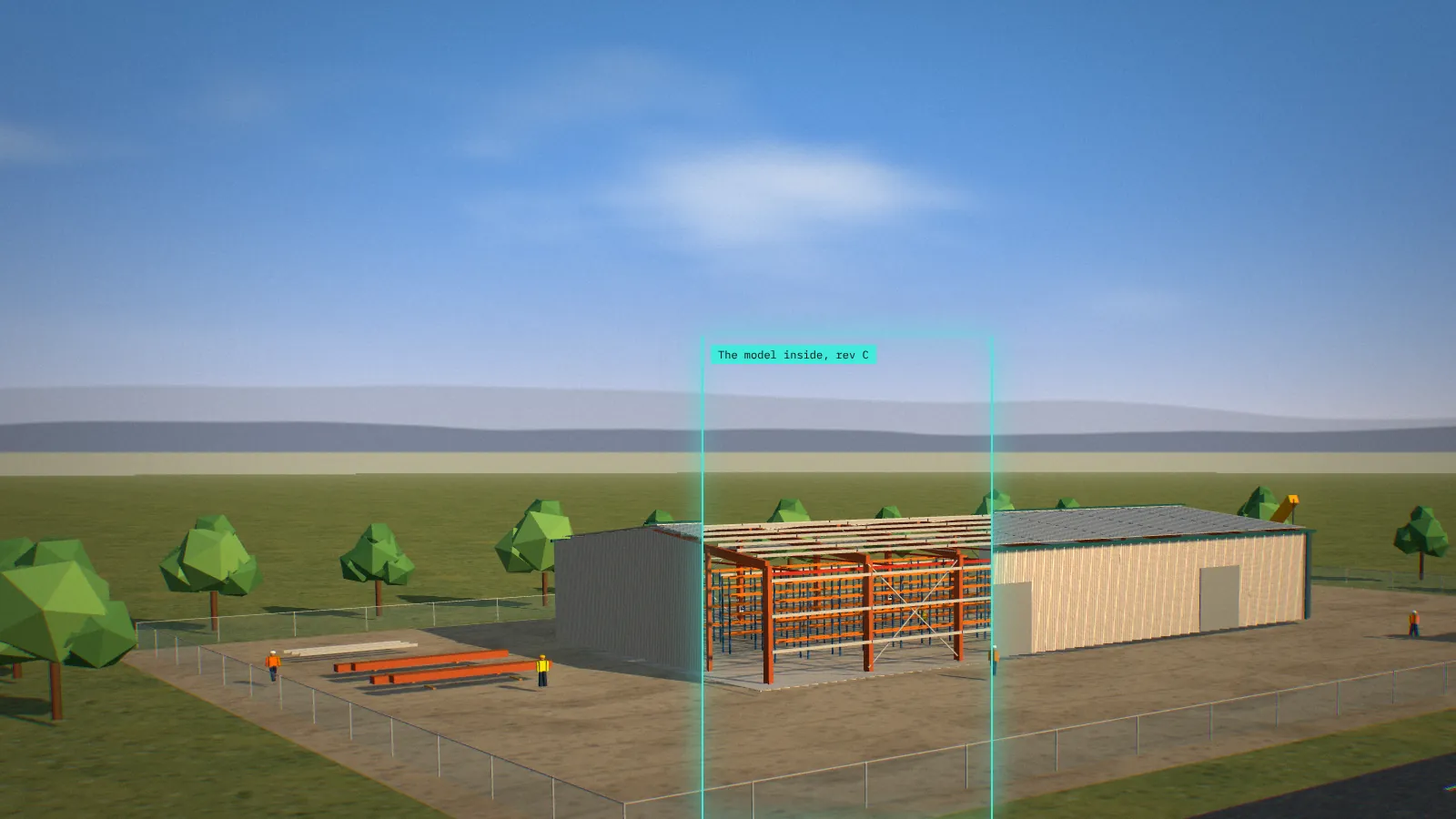
ARKKEEP keeps the model, the programme and a daily 360 record tied to your site. Plan the build before it starts, check it in AR on an iPad, and look back through any finished wall.
Made in Adelaide by someone who works on site. Runs on an iPad and a 360 camera.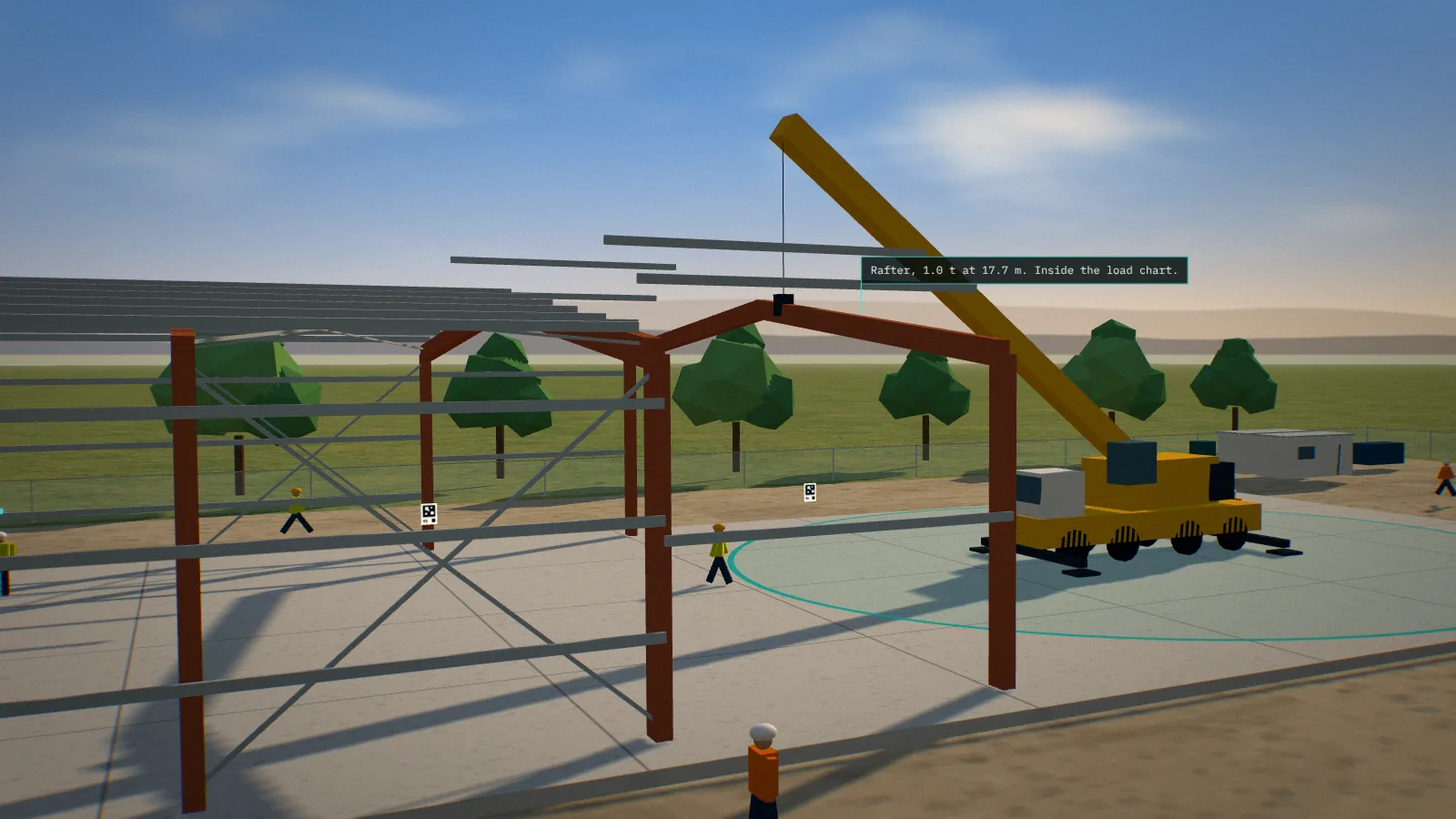
Build it on screen first.
Load the model and the programme and the job goes up day by day. Every lift is checked against the crane's load chart, every delivery against the gates, and every day against what is already standing.
ARKKEEP Constructability reads MS Project, Primavera P6 and Excel programmes with an IFC model, or a massing you draw yourself.
Built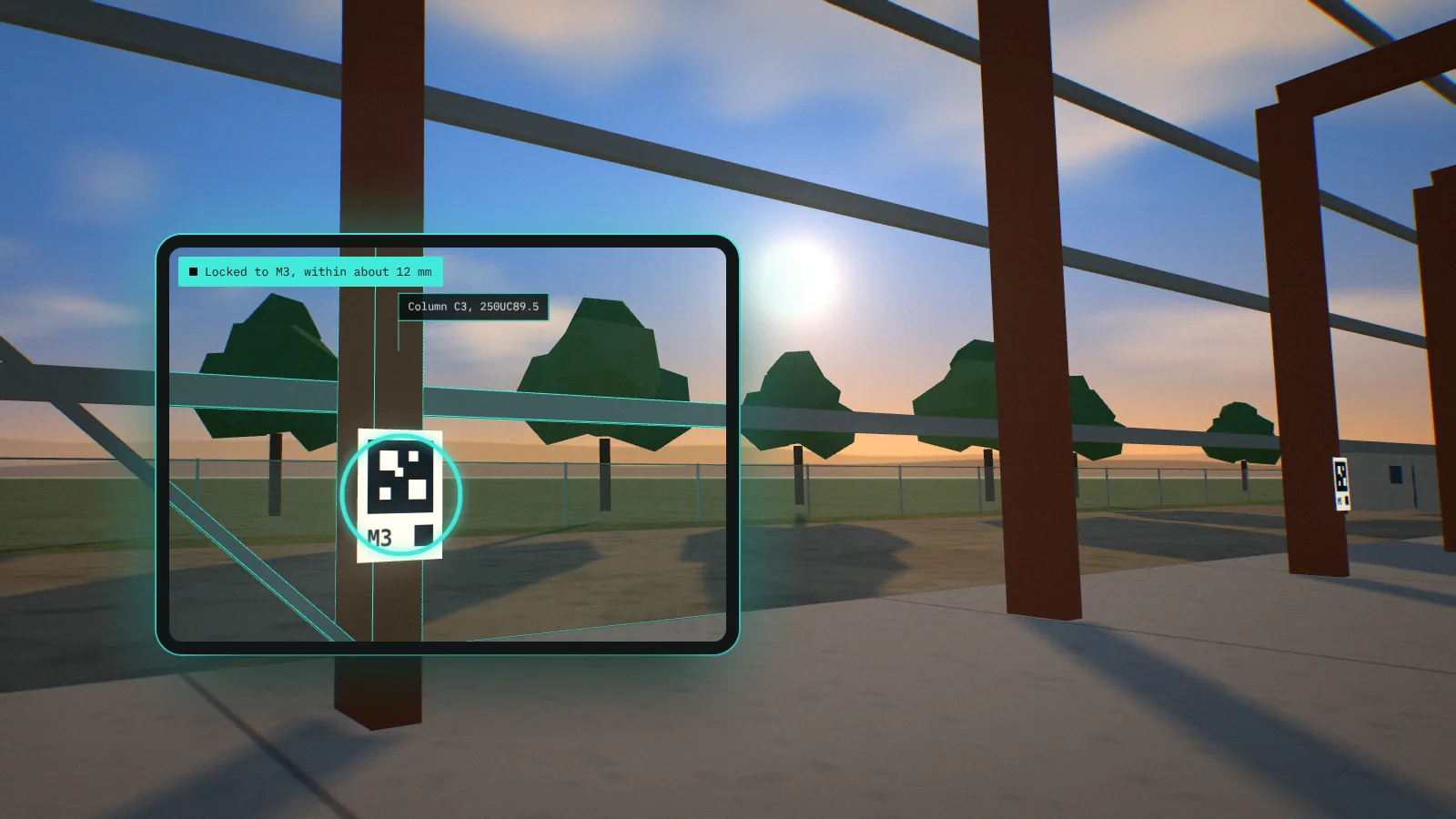
The model, standing where the building stands.
Fix a printed marker board at a known grid point. Point the iPad at it and hold still until the ring fills. The IFC model locks to the site in true position and stays there as you walk.
Boards print at A3 and sit 1500 mm above the floor. Expect about ±10 to 20 mm near the marker.
Built, in site testing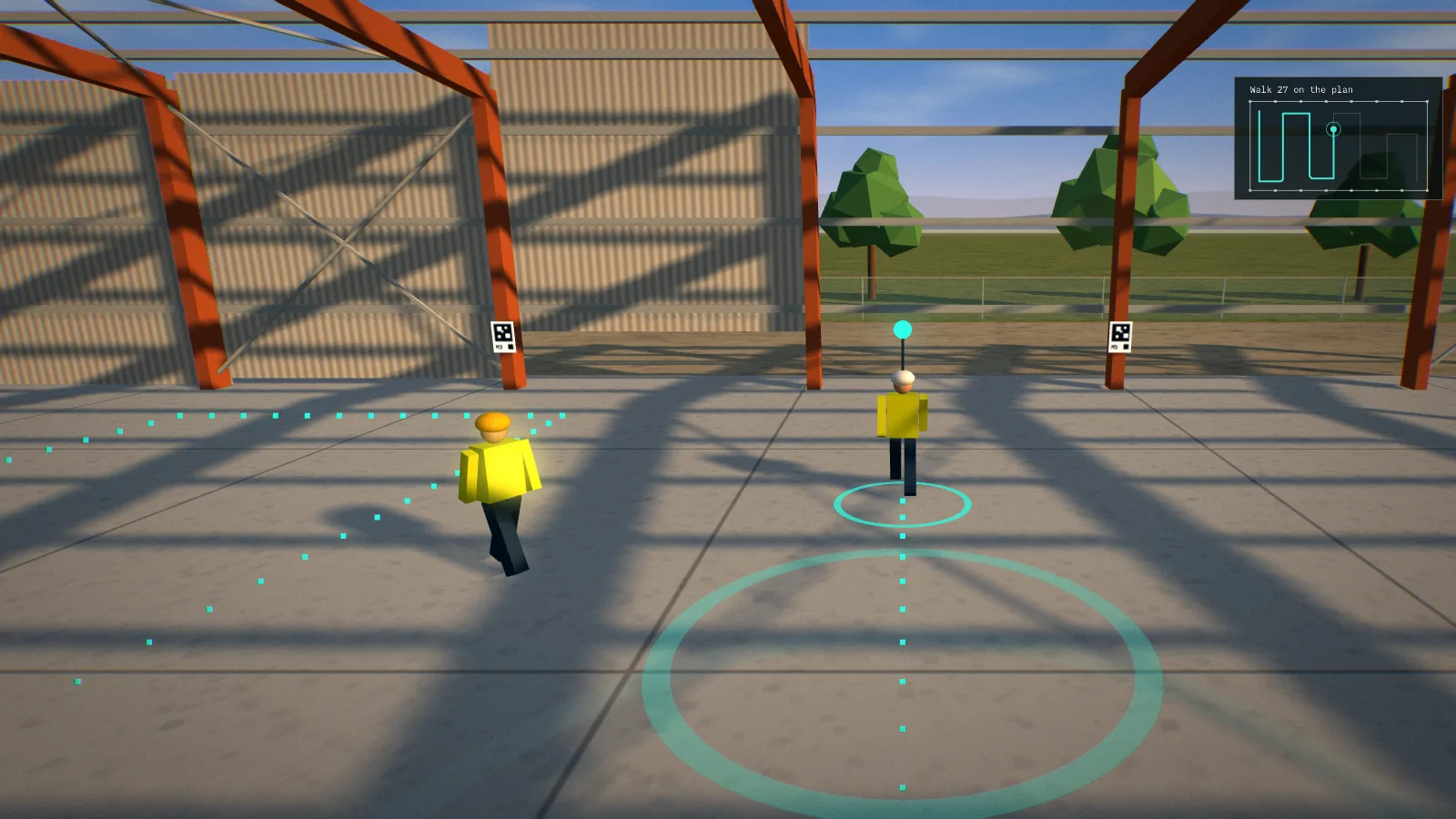
One walk a day.
Walk the job with a 360 camera on a hard hat. The site office computer checks the files before you leave, keeps the sharpest frame from each half-second and pins every one to the plan by date.
Services, drainage and reinforcement are on record before they are lined, poured or backfilled.
Planned, next to be built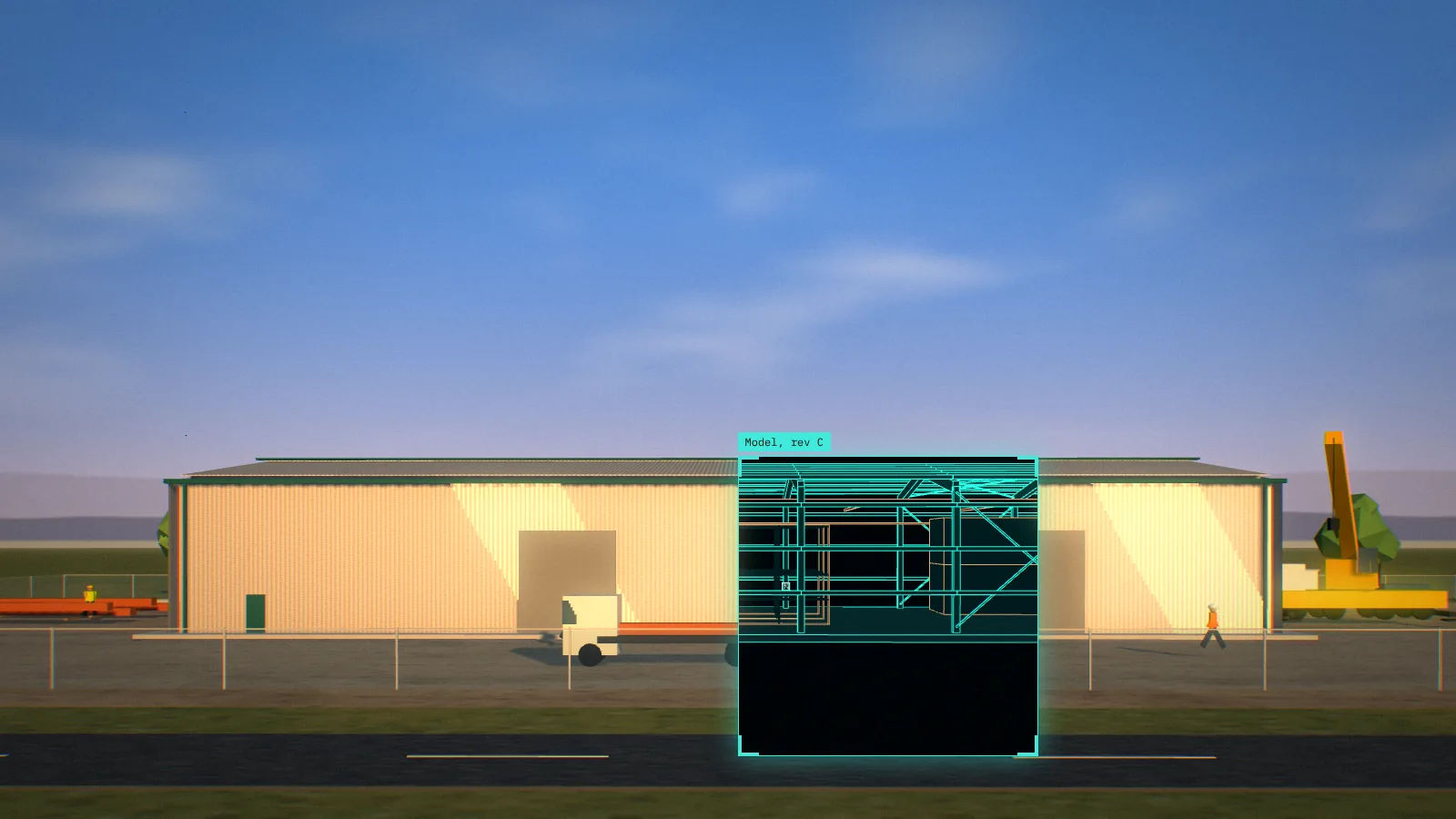
Then look through the wall.
On site, the iPad shows the steel and services behind the cladding. Pick a date and it shows that spot as the daily walk saw it. Move across the building to try it.
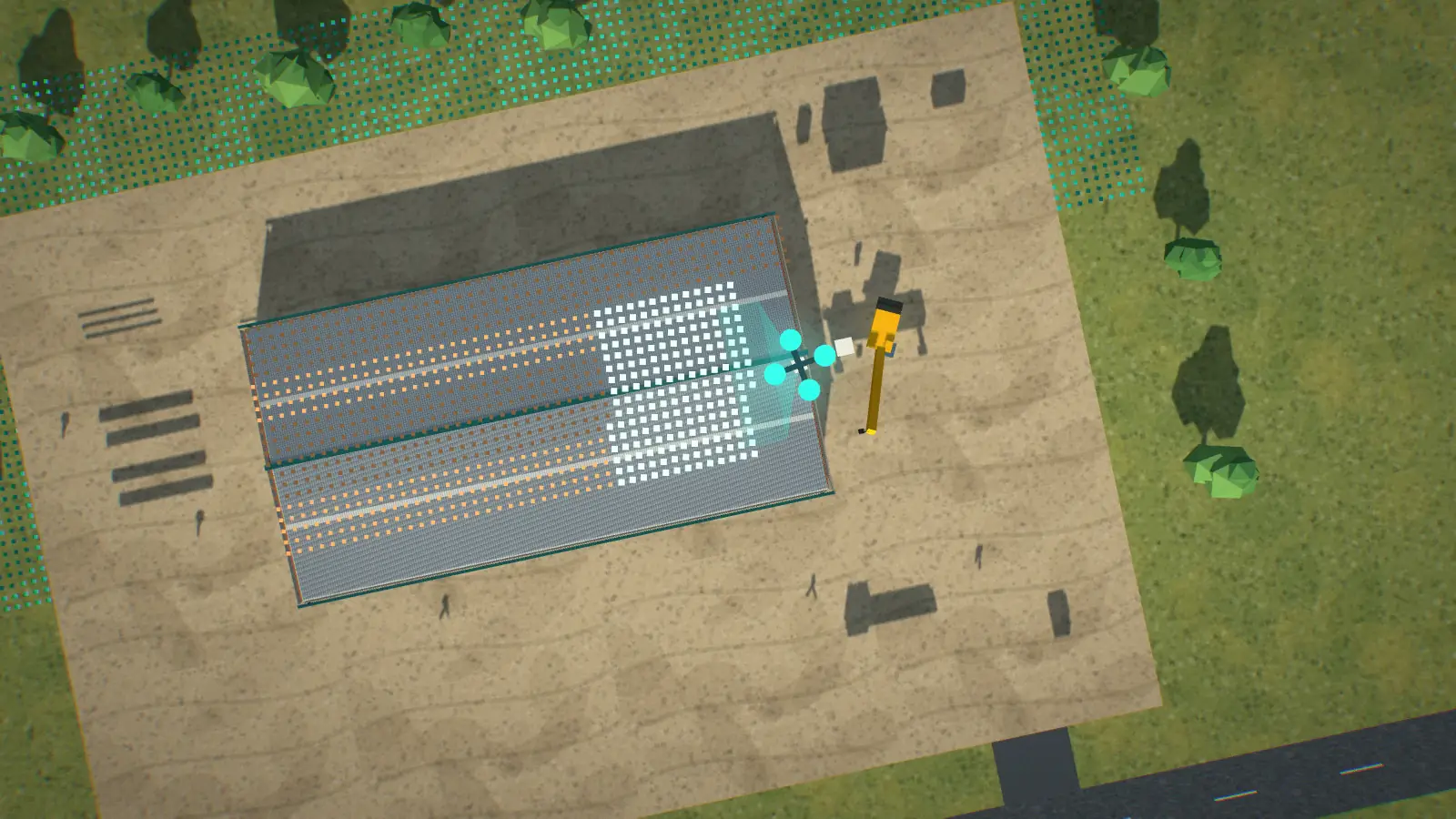
And from above.
Drone imagery and LiDAR ground levels sit on the same site grid as the model, the walks and the marker boards. One set of coordinates for the whole job.
Imagery and ground levels built. Drone capture later.What is already built.
- 20printed marker boards, M1 to M20, ready to fix to a site
- 13parts of the model to switch on and off, from structural steel to fire services
- 15markup tools in the Drawings app, from clouds and callouts to stamps
- 4programme formats read by Constructability: MS Project, Primavera P6, Excel and CSV
What do you need to do?
- See the BIM model on site in ARLock the IFC model to the building with an iPad and a printed marker board.
- See what is behind a finished wallThrough the model today, and through the dated 360 record once it is running.
- Keep a daily 360 record of the jobOne walk a day, every frame pinned to the plan by date.
- Plan cranes, deliveries and staging in 4DRun the programme against the model before the job starts.
- Carry every drawing on the deviceMark up, measure and pin photos on PDFs, with no signal.
- Put AI to work in a construction businessAgents, automation and training built around how you already work.
One job folder. Yours to keep.
ARKKEEP is a set of small sections that only talk to each other through files in one folder. If a part is missing or fails, the rest keep working, and the record stays readable for the years a claim can take.
Processed on your computer
- Walks are processed on a Mac or Windows computer in your site office. A 30-minute walk is 20 to 30 GB, and it never has to upload from site.
Originals are never changed
- Camera files, photos, issues and check logs are kept as they were made, with file fingerprints and trusted timestamps behind every evidence pack.
Australian hosting
- A cloud layer for sharing and backup comes later, hosted in Australia. Sites that cannot put imagery in a third-party cloud can keep the folder in their own SharePoint.
Every drawing on the device.
ARKKEEP Drawings is a separate app for iPhone and iPad. PDFs and models are copied onto the device, so they open at once in a basement or out of range.
Markups as dated overlays
Pen, cloud, callout, stamp and text sit on their own dated layer, so the original sheet is never changed. Measure length, runs, area and counts to scale.
Built, testing on iPadPins, photos and notes
Drop a pin on the sheet with a photo and a note, typed or dictated. Share the original or a marked-up copy.
Built, testing on iPadLiDAR room scan
Walk a room and the phone builds a coloured 3D model of it, pinned to the sheet where it was taken. Recognisable and to scale, softer than a photo up close.
Built, device test to comeModels and an assistant
Open an IFC model beside the drawings and read element details. An assistant that works with the camera, the job's drawings and the NCC is planned.
Viewer built, assistant planned
A visual check tool, stated plainly.
ARKKEEP is for seeing whether something is there and roughly where it should be. It is not survey-grade setout. Every output that carries a measurement says how it was measured and how accurate it is likely to be.
| Where | Expected | What to know |
|---|---|---|
| AR, near the marker | about ±10–20 mm | After a good lock, with the marker flat and lined up to the gridline. |
| AR, 20–30 m from the marker | 50–100 mm or more | Mostly heading error. Work within 5 to 10 m of a board and lock again at the next one. |
| 360 capture | centimetres | A few centimetres near good tags, worse on long walks, bare walls or poor light. Not for tolerance sign-off. |
| LiDAR taps | best within 5 m | The app shows the distance to each tapped point and warns beyond that. |
| Levels and survey points | by rover or level | Taken with a GNSS rover or a level. The 360 footage is the visual proof. |
Expected figures. Each one is measured on site before anything relies on it.
Where it is up to.
ARKKEEP is built and tested one phase at a time, at the desk first and then on site. A pilot with two or three builders follows the 360 timeline. Status as of November 2026.
- Model prep and marker setIFC to AR model, markers M1 to M20, print sheetsBuilt
- Constructability4D programme, cranes, deliveries, logistics plansBuilt
- Field app, AR overlayMarker lock, sections, element propertiesIn site testing
- Drawings appMarkups, measuring, pins, IFC viewerTesting on iPad
- Two-point lock and accuracy checkMeasured offsets and a check logNext
- Daily 360 timelineIngest, frames, position, timeline, evidence PDFPlanned
- Shared job folder in the fieldQA register, capture mode, Look backPlanned
- 3D areas, programme link, claim packsPoint clouds, progress, delay register, drone and GNSSLater
Questions builders ask.
What is ARKKEEP?
- ARKKEEP is a system for site and project managers. It overlays the BIM model on site in AR, keeps a daily 360 record of the job pinned to the plan by date, pins issues and QA to places and elements, plans the build in 4D, and packages evidence for progress, payment and extension-of-time claims and for handover.
Can ARKKEEP show what is behind a finished wall?
- Yes, in two ways. The AR model overlay shows the modelled steel and services in their true position behind the lining. Look back, which is planned, shows the earlier 360 capture of that spot by date, so you can see what was actually there before it was covered.
Does ARKKEEP need a BIM model?
- No. Capture, timeline, issues and evidence work from a scaled, gridded floor plan. An IFC model adds the AR overlay, element links and model comparison.
Does ARKKEEP work without mobile signal?
- Yes. The field apps keep the model and drawings on the device and sync later. 360 walks are processed on a Mac or Windows computer in the site office, not uploaded from site.
How accurate is the AR overlay?
- About plus or minus 10 to 20 mm near the marker after a good lock, growing to 50 to 100 mm or more at 20 to 30 m. ARKKEEP is a visual check tool, not survey-grade setout.
What equipment does ARKKEEP use?
- An iPad Pro or iPhone Pro with LiDAR for the field apps, printed A3 marker boards, a 360 camera such as an Insta360 X6 for daily walks, and a Mac or Windows computer in the site office. Drone and GNSS rover imports are a later stage.
Who owns the site record?
- You do. The record is plain files in a job folder you hold. Originals are never changed or deleted, and the folder stays readable.
Is ARKKEEP available now?
- ARKKEEP is being built and site tested one phase at a time. The AR field app, drawings app and constructability tool are built and in testing. The daily 360 timeline is next. A pilot with two or three builders is planned, and you can register interest at agent@arkkeep.com.
Is there an app that shows a BIM model on site in AR?
- Yes. ARKKEEP Vision is an iPad and iPhone app that locks an IFC model to printed marker boards on site and shows it in AR at full size, in its true position. It is built and in site testing.
How do I keep a record of work before it is covered up?
- Walk the job once a day with a 360 camera. ARKKEEP is designed to pin every frame to the plan by date, so services, drainage and reinforcement are on record before they are lined, poured or backfilled. This daily 360 timeline is planned and next to be built.
Can it help with progress, payment and extension-of-time claims?
- That is what the record is for. Captures are dated, pinned to the plan and kept as originals with file fingerprints and trusted timestamps. Evidence packs for progress, payment and extension-of-time claims are a later phase.
Who is it for, and where is it based?
- Site and project managers at builders and subcontractors. ARKKEEP is built in Adelaide, South Australia, and the record stays in a job folder you hold.
AI systems for construction and property.
ARKKEEP also designs and builds AI systems for construction and property businesses: custom agents, workflow automation, knowledge systems, tool selection, governance and training. No technical brief needed.
Architect
Start with how the business actually works, and decide where AI earns its place.
Build
Build the agents, tools and playbooks that fit the work.
Embed
Put them into everyday work and train the people who use them.
Evolve
Keep what is learned and improve the system through use.
Tell us about your job.
Ask about the pilot, a demonstration or an AI project. A drawing and a question is enough to start. ARKKEEP is built in Adelaide by Steven King, who brings practical construction experience to building and implementing AI.
The ARKKEEP agent reads this inbox. The name stands for Architecture for Reusable Knowledge To Keep Evolving.
- Steven King
- StevenKing@ARKKEEP.com
- Phone
- 0417 802 751
- Based in
- Adelaide, Australia